Early Access

Learn through connections, not isolation

An AI-powered app that builds your knowledge as a connected graph—revealing relationships between ideas, not just collecting facts.

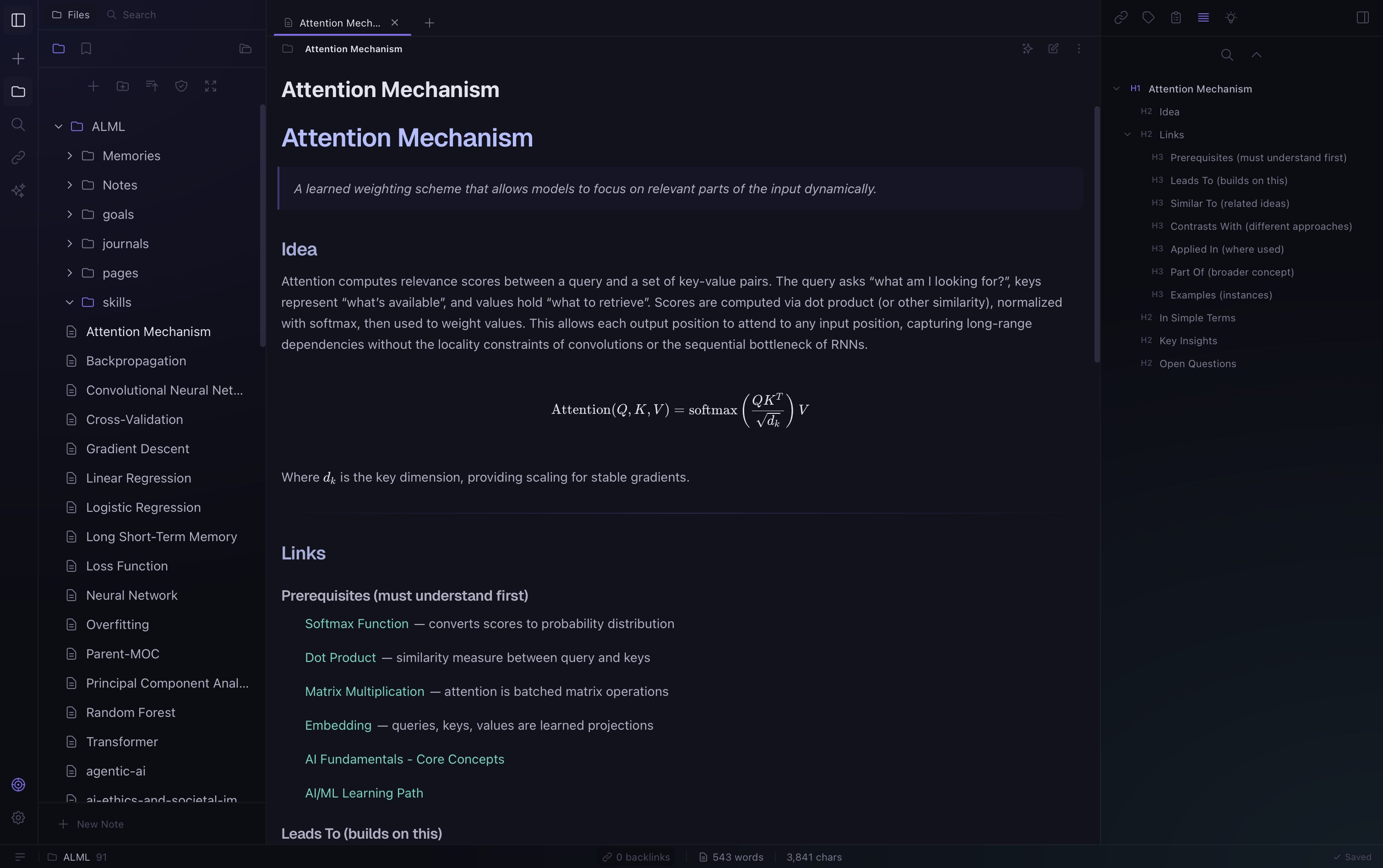
MetaGlass dark theme
MetaGlass
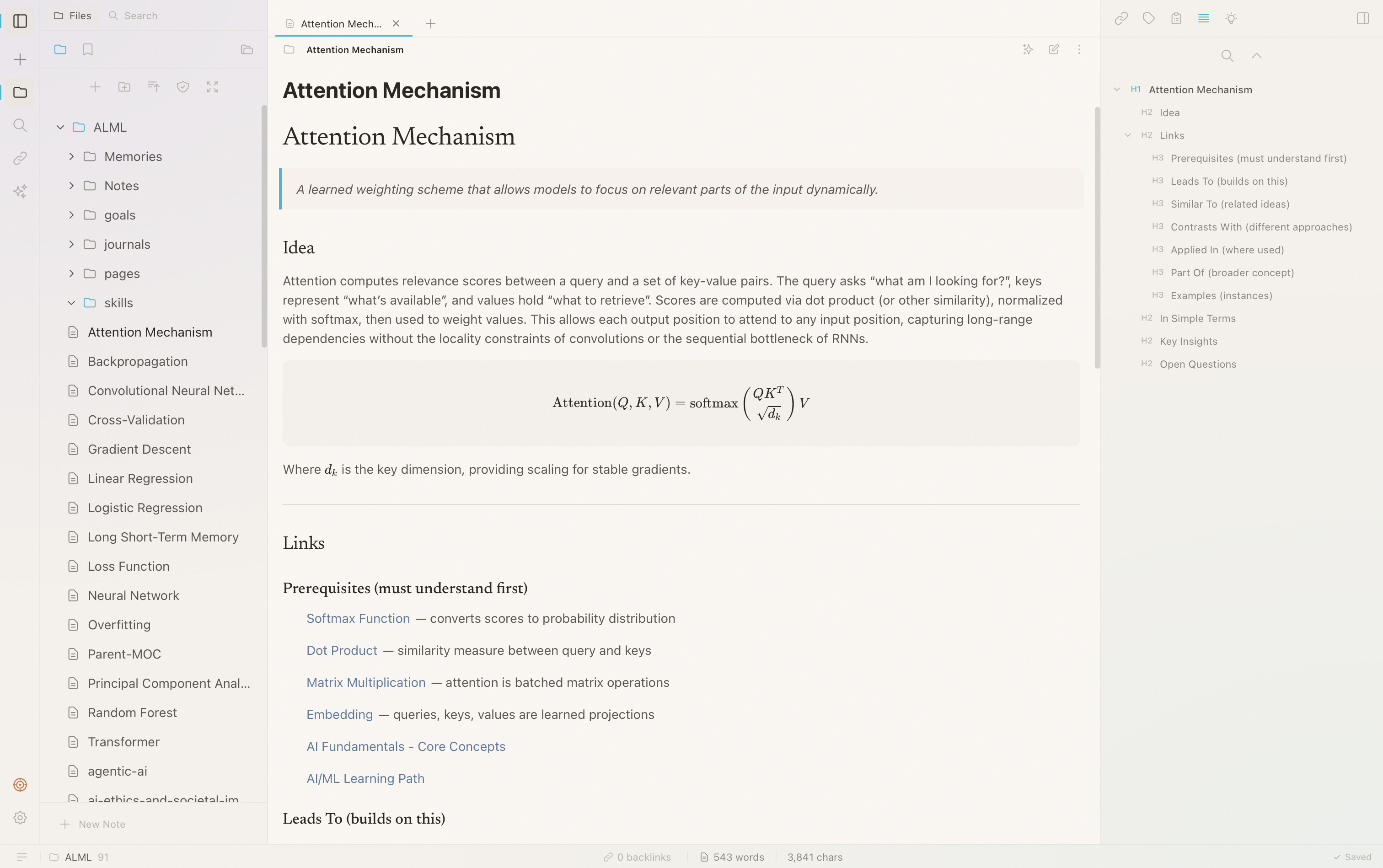
MetaGlass knowledge graph editor

How it works

MetaGlass turns scattered learning into structured understanding through three simple principles.

1

AI that understands context

Not a chatbot. MetaGlass analyzes what you're learning, identifies gaps, and suggests connections you haven't seen—helping you build mental models, not just answer questions.

2

Knowledge as a graph

Every concept, note, and idea becomes a node. Connections emerge automatically and visually. See how everything relates—prerequisites, applications, contradictions.

3

Learning through exploration

Navigate your knowledge graph spatially. Discover adjacent concepts. Trace paths from fundamentals to advanced topics. Understanding emerges from structure.


Why MetaGlass

A different kind of learning tool, built for genuine understanding.

1

Your knowledge, permanently

Own your learning graph. Export anytime. No lock-in. Everything you build—notes, connections, insights—stays yours and remains accessible.

2

AI that reveals structure

The graph shows you what you know, what's missing, and how ideas connect. AI surfaces patterns you'd miss—prerequisite chains, concept clusters, knowledge gaps.

3

Built for understanding, not completion

No courses to finish. No streaks to maintain. No progress bars. Just a tool for building genuine understanding at your own pace.

Get MetaGlass

Available for macOS, Windows, and Linux. Free during early access.

macOS

v0.1.3 · Universal · 27 MB
Download DMG
Installation notes
Signed & Notarized
  1. Open the DMG file
  2. Drag to Applications

Requires macOS 10.15+

Windows

v0.1.3 · x64 · 25 MB
Download EXE
Installation notes
Installer
  1. Run the EXE installer
  2. Follow the prompts

Requires Windows 10+

Linux

v0.1.3 · x64 · 28 MB
Download AppImage
Installation notes
AppImage
  1. Make executable: chmod +x
  2. Double-click to run

Ubuntu 22.04+ or equivalent